
Web App
Takealot SellerMobile App
Manage your Takealot Seller Account from your mobile device. View your sales, check inventory levels and update your repricing.
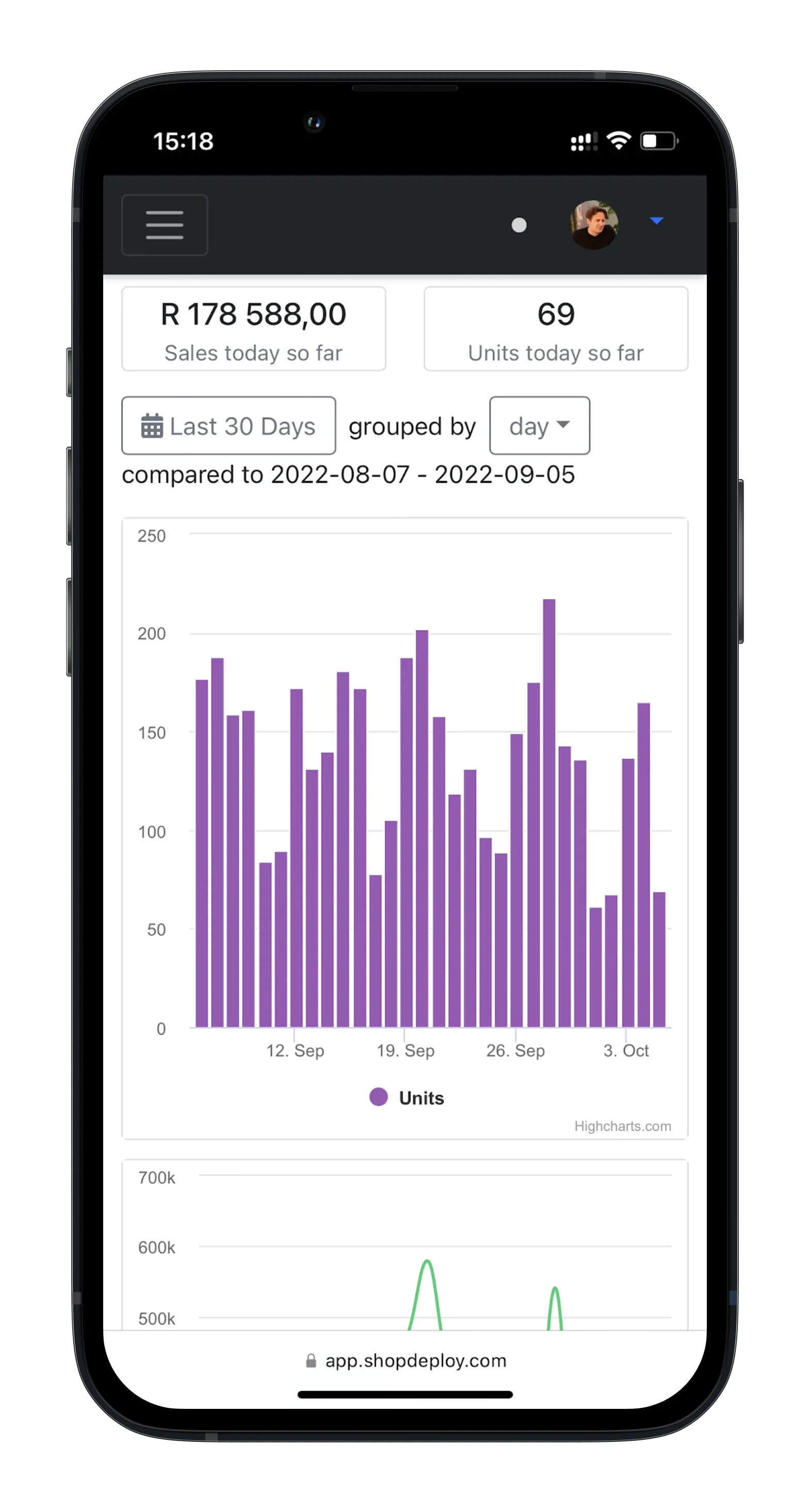
Manage your Takealot Seller Account on the go!
The Shopdeploy web app is packed with all the features you need to manage your Takealot Seller Account from your mobile device. To get started all you need is a Shopdeploy account and then follow the instructions below to add Shopdeploy to the Home Screen of your iOS or Android device.
Instructions for iOS devices
Follow these instructions to add Shopdeploy as a shortcut on your iOS device.
- Launch Safari app.
- Enter `https://app.shopdeploy.com` into the address field. Tap Go.
- Tap the icon featuring an upwards-pointing arrow coming out of a box to open a drop-down menu.
- Tap Add to Home Screen. The "Add to Home" dialog box will appear, with the icon that will be used for this website on the left side of the dialog box.
- Confirm the URL is `https://app.shopdeploy.com`
- Tap Add and you will be taken to the location where the icon is displayed in iOS